
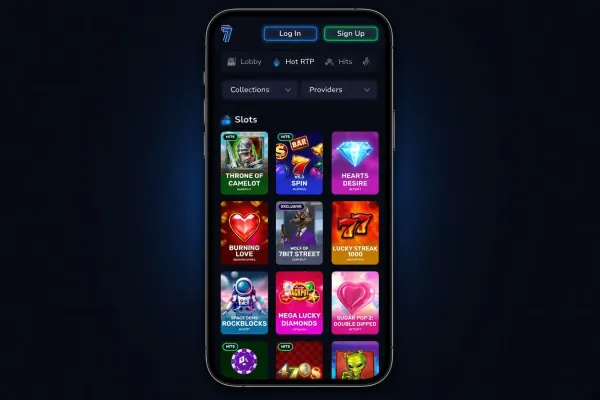
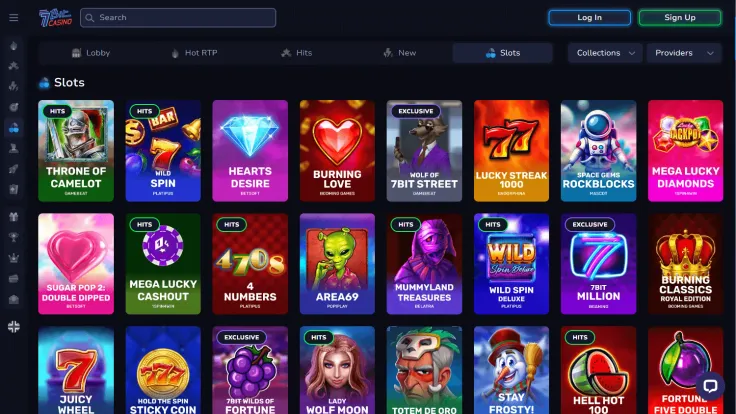
7bit Casino does not have a native Android app, so there is no app to find or download in the Google Play Store. The way to play on an Android phone is the 7bit Casino mobile site, which you open in Chrome without installing software from a store. The steps shown above cover the browser route, and it is all you need to get started. If you are checking whether an Android app is worth looking for, the answer is no, and the browser is the practical option. The short summary for phone users is: Installable web app (PWA) for Android, iOS and Windows; no native app
What you can do on your phone
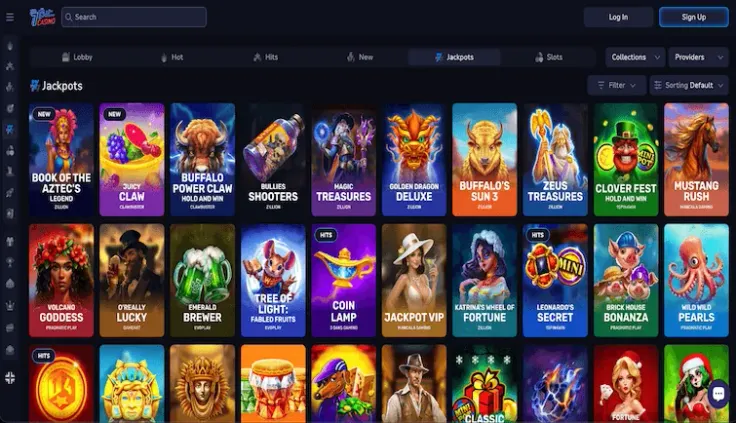
The 7bit Casino mobile site runs in your phone's browser, so you can play without downloading anything first. Live casino games are part of the 7bit Casino range, and you can open them from the same mobile site. For the games on offer, see the live casino page. For more about the phone version, see the mobile version page.
The main difference from a computer is the screen. A phone shows less of a page at once, so it is easier to tap the wrong control. Read a game's rules and paytable before you start, and check each action before you confirm it. Results are random, so a smaller screen changes how you play, not what a spin returns.
The downside of the browser route is that it depends on your phone and your connection. A phone call, a low battery or a weak signal can interrupt a session, so decide how long you will play before you start.
The phone site suits people who want quick access without a store download. If you prefer a dedicated app with store updates, 7bit Casino does not offer one on Android, so the browser is the way to play. If you are new, you can sign up for an account from the same browser.
Getting started on Android without an app
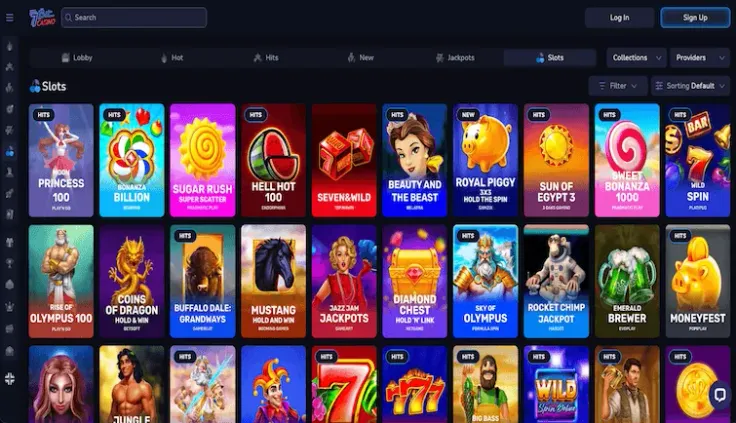
There is no 7bit Casino app to find in the Google Play Store, so do not install an app that uses the 7bit Casino name. Open Chrome and type the 7bit Casino address yourself, rather than following a link in a message or an advert you did not ask for. Check the address bar before you log in and make sure it matches the address you typed.
Search results and adverts can point to copies of a casino site, so do not search for 7bit Casino each time you want to play. Once you are on the correct site, the steps above show how to add a shortcut to your home screen.
The shortcut only saves typing. It takes you to the same site, and you can remove it at any time like any other icon. It is not a separate app, so you will not find it in the Play Store.
Expect the site to behave like a web page in Chrome rather than a native app. If a game loads slowly, check your connection and make sure Chrome is up to date, then try again. Keeping Chrome updated also helps the site display correctly.
Practical points for playing on your phone
Start with the phone itself. Use a screen lock with a passcode or fingerprint check, and do not leave an open session on a phone you lend to others. Do not save your login details in the browser of a shared device. If you lose your phone, change your password from another device as soon as you can.
Keep the phone's system and Chrome up to date. Avoid using a rooted or modified Android phone for online accounts, since these weaken the protections the operating system provides.
Log in only on networks you trust. Public Wi-Fi is easy to join but harder to trust, so use your mobile data or a home connection when you log in or check your account.
Mobile data matters as well. Live streams use more data than standard pages and need a steady connection, so check your data plan before a long session. If your plan is limited, switch off background data for other apps while you play.
Set your own spending and time limits before you start, and stop when you reach them. The safer gambling page is the place to read about the tools available to you.