

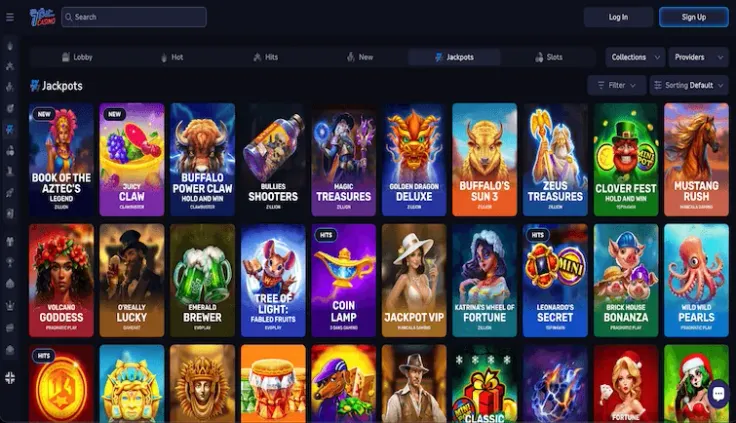
To use your 7bit casino login, open the 7bit Casino website, choose to log in and enter the email or username and password you registered with. The numbered steps above show the order, and the table beside them confirms that the site works on desktop and mobile. This page covers what sits behind those steps and what to do when the login does not work.
Before you start, have your registered email or username and your password to hand. If you have not registered yet, begin with the sign-up guide, because there is nothing to log in to until the account exists. This site has no login form, so you never type account details here.
What stands behind the login
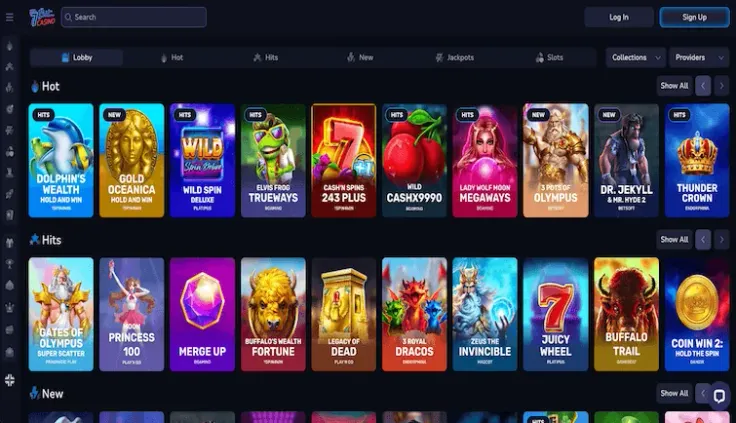
A login confirms that you are the person who registered the account. You prove it with the email or username and the password you chose at sign-up, and nothing else is needed on this page. The detail that matters most is where you type them: only on the 7bit Casino website. Any other page asking for those details, including this one if it ever did, is a reason to stop.
Website and mobile access
7bit Casino has no iPhone app and no Android app. You log in through the website, which works on desktop and on mobile browsers. On a phone, open the site in your browser and follow the same steps as on a computer. The mobile version page covers how the site behaves on smaller screens. If a search result or a message offers a download under the 7bit Casino name, treat it with suspicion, because 7bit Casino does not offer an iPhone or Android app.
Email or username
The login steps accept the email or the username you registered with. Use whichever you entered at sign-up, written exactly the same way. An extra space at the end, a different spelling of the email address or a second email you also use can all lead to a failed login that looks like a wrong password. If you have more than one email address, think about which one you used when you registered before you try again.
Identity checks
7bit Casino requires identity verification. Checks like this are usually tied to the account rather than to the login itself, so you may be asked for documents at a later stage, for example when you move to a withdrawal or when support needs to confirm who you are. The accepted documents are Passport, National ID card, Driving licence, Proof of address (dated within 90 days) and Proof of payment. The verification guide goes through them one by one.
A few practical points help when the request comes:
- Photos or scans should show the whole document, with all four edges visible and no glare.
- The name on each document should match the name on the account.
- A proof of address has to carry a date inside the window shown in the document list above.
- A proof of payment should show that the payment method belongs to you.
Having these ready in advance saves you from hunting for them while you wait for a reply. If you are unsure which document fits a request, ask support by email instead of guessing.
Age
You must be of legal gambling age, which is 19 in most provinces, and pass age and identity checks before you can play. Registering with details that are not your own is a quick way to end up with an account you cannot use.
19+ · T&Cs apply
Common login problems and what to do
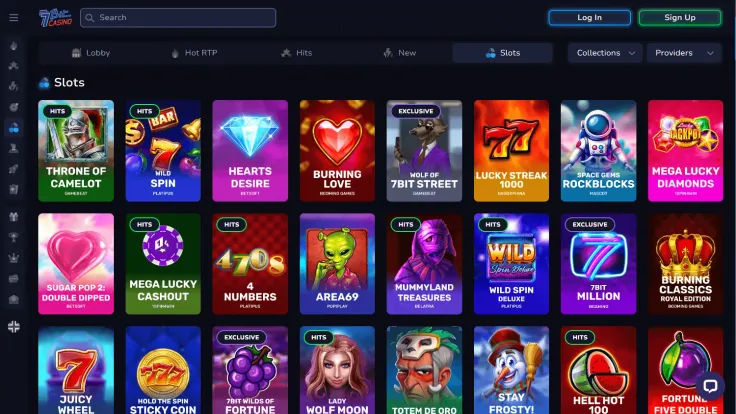
Most failed logins have a simple cause. Work through the list below in order before you contact anyone, because the early items take seconds to check.
The password is not accepted
Retype it slowly rather than pasting an old one. Passwords are case sensitive, so check whether caps lock is on. If you keep a list of passwords, make sure you are reading the entry for 7bit Casino and not for another site. After a few failed tries, stop guessing and use the password reset option on the login screen, as the steps above describe. Follow what it asks and choose a new password you do not use anywhere else.
You do not remember which email you used
Try the email addresses you commonly use, one at a time, and watch for small differences such as a different domain ending. If none works, write to 7bit Casino support by email from the address you think you registered with and describe what you remember about the account. Do not send your password, and never send full card details. Support can ask for identity documents if it needs to check who you are, and the documents listed above are the ones to expect.
The login page does not load
First check your connection by opening any other site. Then try again after refreshing the page, and if that fails, try another browser or switch between your phone and a computer. Clearing the saved data for the site in your browser can also help when an old session is stuck. Make sure the address you type is the 7bit Casino website you reached through a source you trust, because a mistyped address can lead to a copy of the page.
A message says something is wrong with the account
If a message appears after you enter the correct details, do not keep trying. Write down the wording, take a screenshot and send it to support by email. Having the message in front of both of you speeds up the answer more than describing it from memory. The contact page lists how to reach support.
The site asks for documents
When 7bit Casino asks for documents, send the clearest copies you have of the types listed above. A blurred photo, a cropped corner or an expired document is the usual reason a copy has to be sent again. If a request is unclear, ask which document is needed instead of sending everything you own. Send documents only through the channel support names, and check that the message really comes from 7bit Casino before you reply.
You think someone else used your account
Change the password right away through the reset option, then write to support by email and explain what you saw. If you used the same password on another site, change it there too. Keep any messages or screenshots that show what happened.
When to contact support
7bit Casino offers support by email. Use it when the reset does not work, when you cannot recall the email you registered with, when a message blocks you after correct details or when a document request is unclear. Include your registered email or username, a short description of the problem and, if you have one, a screenshot. Do not include your password.
Keeping your account safe

Treat the password as the only key to the account. Choose one that is long and unique, and do not reuse the one from your email or banking. A password manager helps if you cannot remember many different passwords, and it also stops you typing details into a copied page, since it will not fill them in on an address it does not recognise.
Enter your details only on the 7bit Casino website. Be careful with links in messages, social posts and search adverts. The safest habit is to type the address yourself or use a bookmark you saved after reaching the real site once. Because there is no 7bit Casino app, any download that asks you to log in with your casino details is not from 7bit Casino.
Log out when you finish, especially on a shared or public device, and do not let the browser save the password on a computer that others use. If you play on a phone, lock the screen, so a lost device does not give someone direct access to the account.
Keep your documents ready and up to date. A passport, national ID card or driving licence that has expired, or an address document that is too old, is easy to replace before a request arrives and harder to fix once you are waiting for an answer. Store the copies somewhere private, and do not leave them in a shared folder.
Decide on your own limits before you log in, not afterwards. Gambling costs money and is entertainment, and the deposit limits, breaks and self-exclusion tools exist for players who want them. The safer gambling page explains them, and the helplines listed at the bottom of the page are free and confidential.
If you are looking at what the site offers once you are in, the games page and the live casino page describe the range, and the withdrawals guide covers cashing out. If you are not sure yet whether this casino suits you, read is 7bit Casino safe before you log in.